Amazing Google Chrome Extensions

Undergraduate in Computer Science.Ambitious and energetic person who has developed a mature and responsible approach to any task that I undertake or situation that I am presented with. I have excellent communication skills and can liaise with all manner of people. I have all-around General Knowledge and skills in administration and programming. Open Source enthusiast who has a basic good knowledge of Python, C++, and Java. Also a UI/UX Google Certified Designer. Curious to learn new things and skills which might be accompanied by some mistakes I have good time management skills and can work well under pressure to tight deadlines.
These are some Useful Extensions that are needed for every developer to work faster and more clearly. Sometimes everything gets messed up and boring so to keep clear and faster, here are the some amazing Google Chrome Extensions you should add now to your chrome to make it more efficient.
Let's Start....
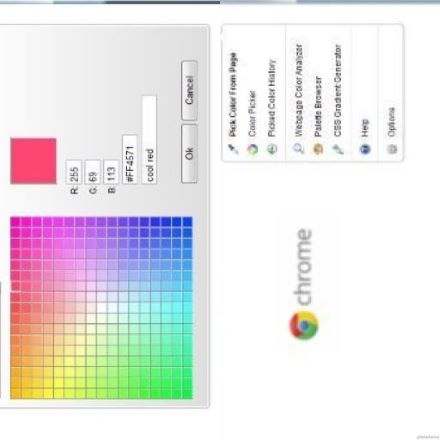
✨ColorZila
ColorZilla assists web developers and graphic designers with color-related tasks. It allows getting a color reading from any point in the browser, quickly adjusting this color, and pasting it into another program.
✨Whatfont
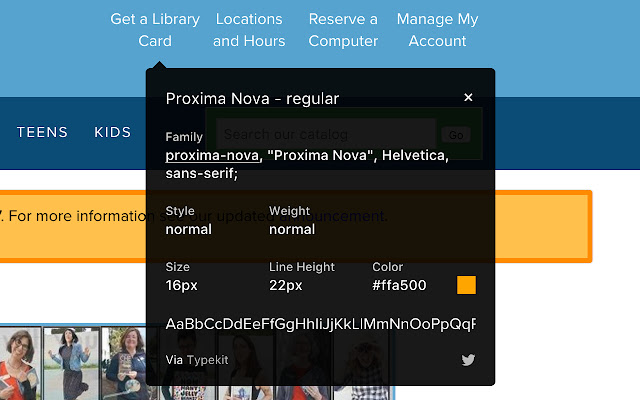
You need to click on the Whatfont icon and then point the cursor at the word. The extension will instantly show you the font name. Clicking on the letter opens an infobox filled with font details like size, color, weight etc
✨Window Resizer
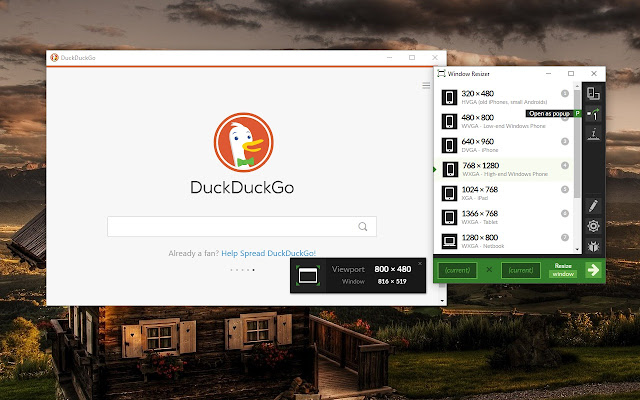
Window Resizer is an extension that lets you easily resize and reposition the current window to your desired values. Help you test your responsive websites.
✨SVG Grabber
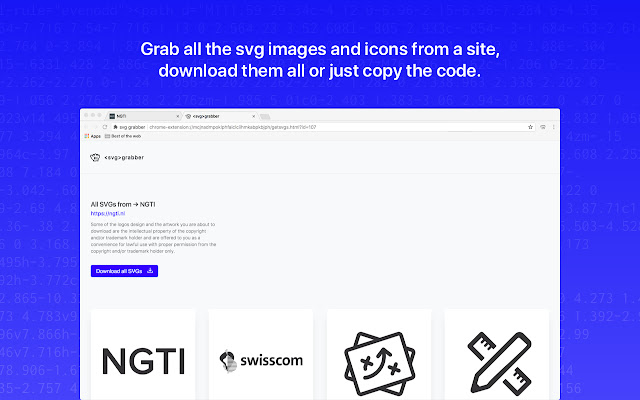
SVG-Grabber is a chrome extension to quickly preview, download and copy inline or embedded SVG images from a website.
✨Grammarly
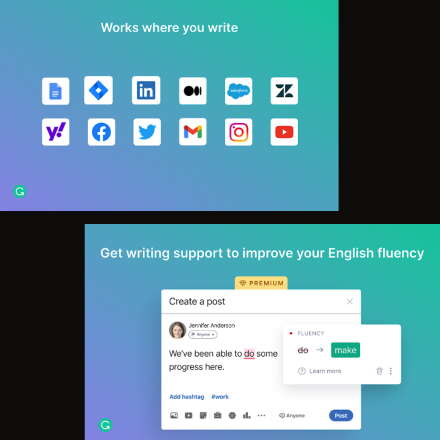
Grammarly helps you fix grammar, spelling, and punctuation issues, and it can also help you revise sentences that are grammatically correct but wordy and unclear.
There are many such Extensions to make you work smarter not harder. As said by Byron Dorgan
Working hard and working smart sometimes can be two different things.
and working smart is more beneficial and efficient as compared to working hard.
Hope this helps you to make your coding fun. It has helped me a lot. Thank you... Follow me on Twitter See ya✌️.
Do drop your views in the Comment.